

Most websites don't fail loudly. Nobody rings you up to say, "I was going to book, but your site annoyed me." They just close the tab and try the next business on the list. You never find out, which is exactly why it's worth checking.
We've built over 150 websites, and the same handful of problems turn up again and again. None of them are fancy. All of them are fixable. Here are the five we see most often.
1. It's a pain to use on a phone
Grab your phone, open your website and try to do the main thing a customer would do. Book an appointment, find your opening hours, request a quote, buy something. How did it go?
If you had to pinch, zoom, scroll sideways or hunt for a tiny button, your customers are having the same experience. For a lot of small businesses, a big share of visitors arrive on a phone, often while they're out and about and short on patience. It matters to Google too. Google now looks at the mobile version of your site when it decides what to show in search results, so a clunky mobile site isn't just annoying, it can affect how easily people find you in the first place.
What to check: your phone number should be tappable, buttons big enough for a thumb, text readable without zooming, and forms short.
2. It's slow
You know the feeling. You tap a link, the screen stays white, and after a few seconds you're already reaching for the back button. People are not patient online, and every extra second is another chance for them to give up.
Slow sites usually come down to a few usual suspects:
- Huge images uploaded straight from a camera or phone
- Too many plugins or add-ons doing things nobody needs
- Cheap or overloaded hosting
- Old themes or code that haven't been updated in years
Google has also said that how a page loads and behaves for visitors is something its systems take into account, although good, useful content still matters more. Speed isn't a magic ranking trick. It's simply part of not annoying people.
What to check: load your site on your phone using mobile data, not your office wifi. If you get bored waiting, so will your customers.
3. People can't tell what you do (or where)
When someone lands on your homepage, they should know within a few seconds what you offer, who it's for and where you work. Sounds obvious, but plenty of homepages open with a big stock photo and a vague line like "Excellence in everything we do." Excellence at what, exactly?
A plumber's homepage should say they're a plumber, and which areas they cover. A café should show food, opening hours and location without making anyone dig. If people have to work to understand you, most won't bother.
What to check: show your homepage to someone who doesn't know your business for five seconds, then ask them what you do. If they hesitate, your headline needs work.
4. There's no clear next step
Every page on your site should point people somewhere. Call us. Book now. Get a quote. Shop the range. If visitors finish reading and there's nothing obvious to click, many will simply leave, even if they liked what they saw.
The opposite problem is just as common: ten different buttons all competing for attention, so nobody knows which one matters. Pick the one action that's most valuable to your business and make it easy to find on every page. A secondary option is fine. A dozen is not.
What to check: on each main page, ask "what do we want people to do next?" If you can't answer straight away, neither can your visitors.
5. It looks out of date (or abandoned)
People judge a business by its website, fairly or not. A site that looks ten years old, has a "latest news" post from 2019, a copyright date from three years ago or a broken contact form sends a quiet message: maybe this business isn't around any more, or doesn't care much about details.
And trust is a big deal, especially if you're asking people to hand over money or personal details. Small signs of neglect add up fast.
What to check:
- Is all the information current (prices, services, staff, hours)?
- Does the contact form actually work? Send yourself a test message.
- Do you have a security certificate (the little padlock in the browser bar)?
- Are your reviews, photos and examples of work recent?
If you're running a business today, your website should look like it belongs to that business today.
So, what now?
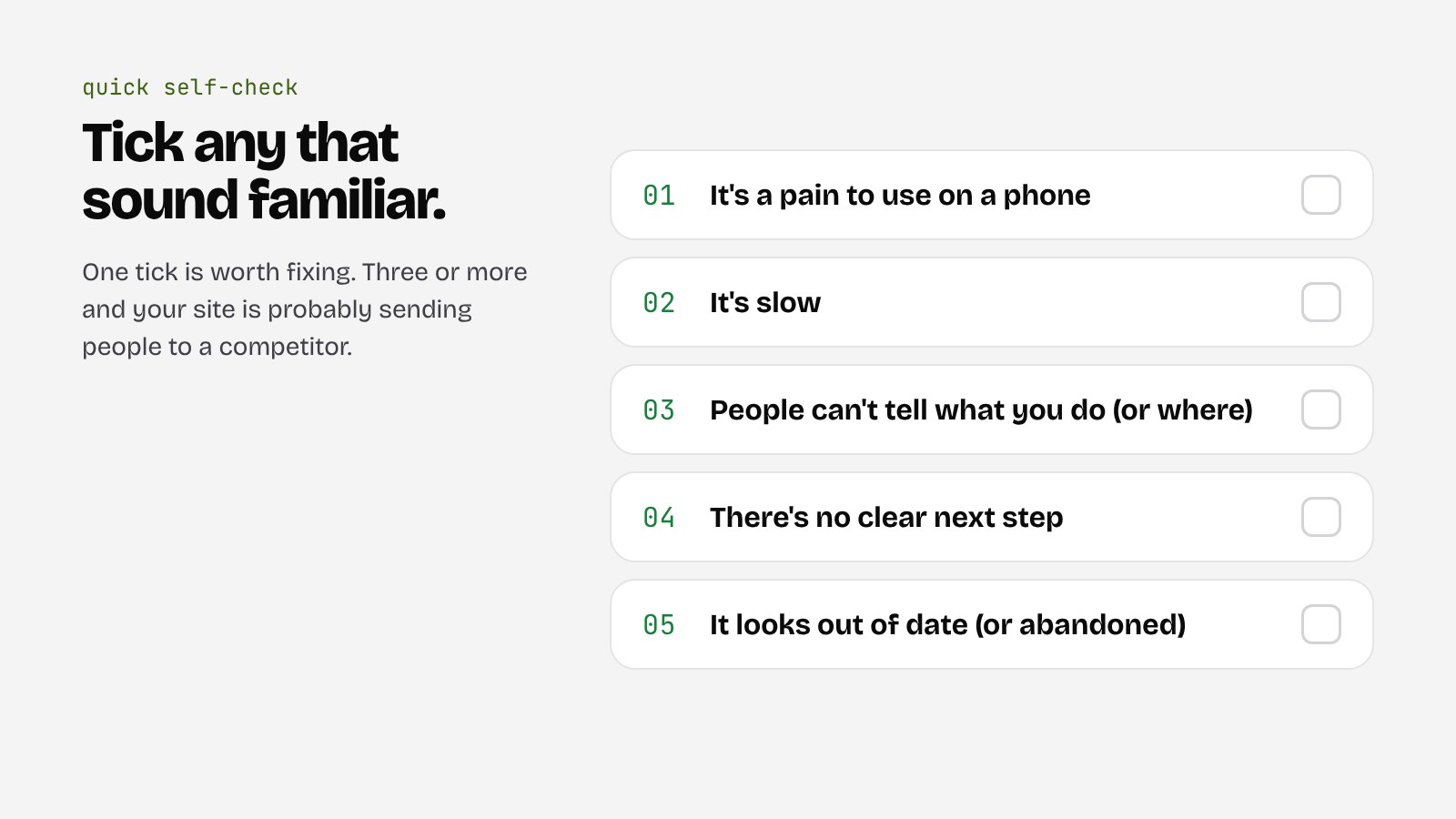
Don't panic if you ticked a few of these. Most sites have at least one. The good news is you don't always need to start from scratch. Sometimes a few targeted fixes (compressing images, rewriting the homepage headline, simplifying the contact form) make a real difference. Other times the foundations are so tired that patching them costs more than rebuilding.
The trick is knowing which situation you're in. That's why our process starts with a Check. We look at what you've got, tell you honestly what's working and what isn't, and only then talk about what's worth doing.
- Test your site on your own phone, on mobile data, doing the thing customers actually do.
- Make it obvious within seconds what you do, who it's for and where you work.
- Give every page one clear next step.
- Keep it current, and make sure the contact form actually works.
If you've got a sneaking feeling your website is letting you down, we're happy to take a look. Get in touch or book a 15-min call, no pressure.


