

"Which platform should I use?" is right up there with "how much does a website cost?" on our list of most asked questions. We're an official Wix Partner, but we've also built plenty of sites on WordPress and Shopify (more than 150 across the three). So we don't have a horse in this race. Each one is great for some businesses and a headache for others. Here's how we think about it.
The quick way to think about it
Picture three ways to have somewhere to live.
- Wix is like a well-run apartment. The building is looked after for you, everything works, and you decorate inside.
- WordPress is like owning a house. You can renovate however you like, but the gutters, the roof and the security are your job (or someone you pay).
- Shopify is like a shop in a busy, well-managed shopping centre. It's built for selling, and the centre handles a lot of the hard stuff.
None of those is "best". It depends what you need to do there.
Wix: simple, looked after, quick to update
Wix is a hosted platform. You pay a plan, and Wix takes care of the hosting, the security certificate and the behind-the-scenes updates. You log in, change your text or photos, hit publish, done.
Good for:
- Service businesses, trades, cafés, studios, consultants and most brochure-style sites.
- Owners who want to make their own small updates without breaking anything.
- Built-in extras like bookings, forms, blogs and simple online stores.
Worth knowing:
- Your site lives on Wix. Wix says plainly that sites need to be hosted on its servers and can't be exported to another host. If you ever moved platforms, the site would be rebuilt, though your domain and your content can come with you.
- There's an ongoing plan fee, and some apps cost extra.
WordPress: flexible, powerful, needs looking after
WordPress is free, open source software, and it runs roughly four in ten websites on the internet according to W3Techs. You (or your web person) arrange the hosting, then build with themes and plugins.
Good for:
- Content-heavy sites with lots of articles, resources or pages.
- Projects that need something unusual, or a custom feature a hosted platform can't easily do.
- Businesses that want full control over where the site lives and how it's built.
Worth knowing:
- "Free software" doesn't mean a free website. You'll pay for hosting, and often for premium themes or plugins.
- It needs regular care. WordPress itself recommends keeping the software and plugins up to date, because older versions and outdated plugins are a common way in for attackers. In our experience, the WordPress sites that get hacked are almost always the ones nobody has touched in a year or two.
- Updating can be a little less friendly for non-technical owners, depending on how the site was built.
Shopify: built for selling
Shopify is a hosted platform made for online shops. Hosting and a security certificate are included in the plans, and it handles products, stock, payments, shipping and orders really well.
Good for:
- Product businesses, whether you sell ten things or a few thousand.
- Brands that want to sell online and in person, with stock kept in sync.
- Owners who want a proper shop without managing servers and security.
Worth knowing:
- There's a monthly plan fee, plus card processing fees on sales.
- If you use a payment provider other than Shopify Payments, Shopify adds its own transaction fee on top, depending on your plan. Worth checking before you choose how you'll take payments.
- Lots of features come from apps, and those monthly app costs can quietly add up.
- If selling isn't the main point of your website, it's probably more than you need.
So which one?
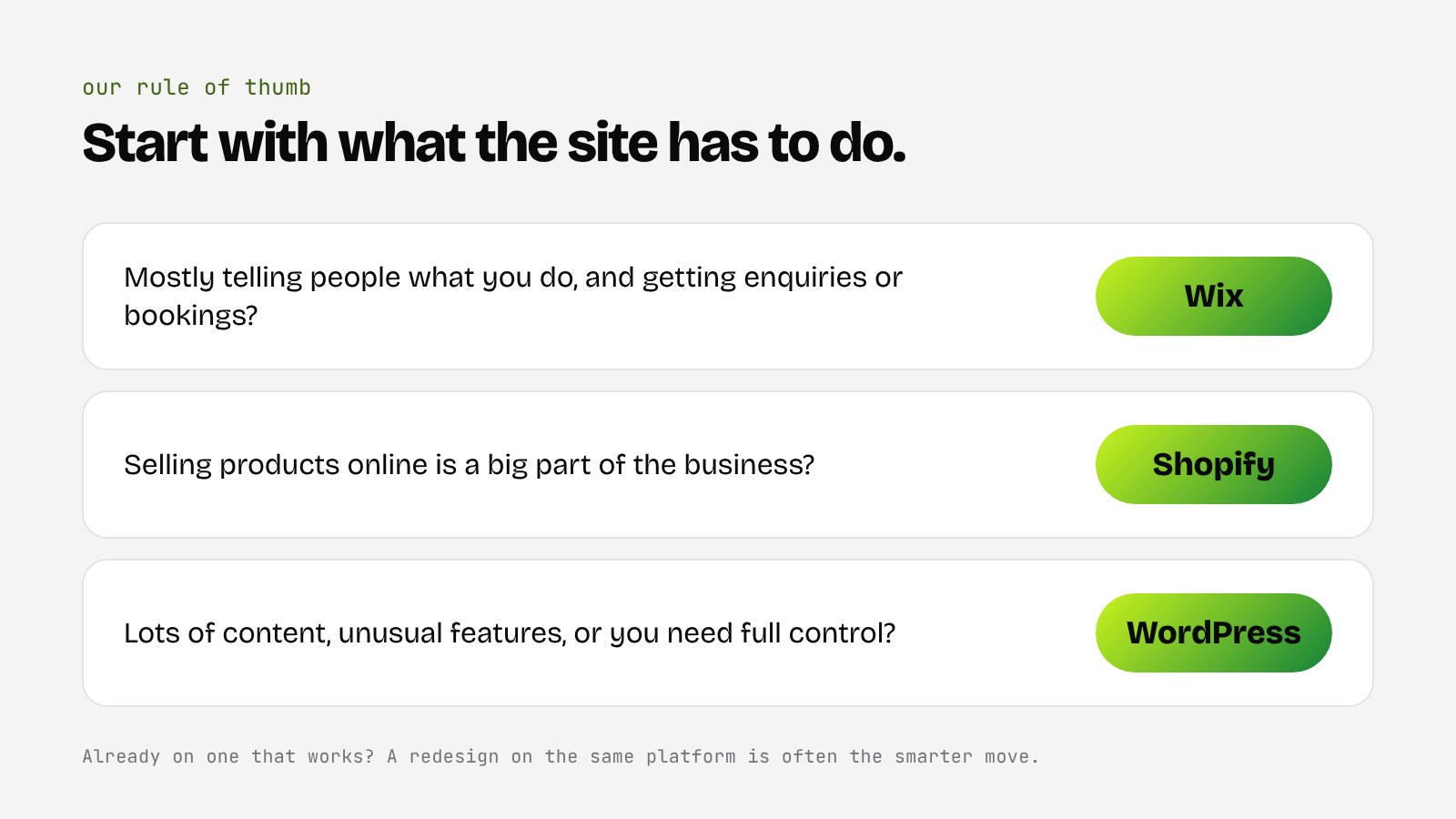
Here's the rule of thumb we use, though every business is a bit different:
- Mostly telling people what you do and getting enquiries or bookings? Wix is usually the simplest, lowest-maintenance choice.
- Selling products online as a big part of the business? Shopify, most of the time.
- Lots of content, unusual features, or you need full control? WordPress, as long as someone is looking after it.
And if you already have a site on one of these that's working, you don't have to switch. Often a redesign on the same platform is the smarter move.
Questions to ask yourself
- Who will update the site day to day, and how comfortable are they with tech?
- Are you selling products online, or mainly getting enquiries?
- What's your budget for ongoing fees, apps and maintenance, not just the build?
- How important is it to be able to move your site somewhere else one day?
- Will the site be in your name, in accounts you control?
- Wix suits most service businesses that want something simple and looked after.
- WordPress is flexible and powerful, but needs regular updates and care.
- Shopify is the go-to when selling products is the main job.
- Think about ongoing costs and who'll update it, not just how it looks on launch day.
If you'd like a second opinion on which one fits, book a 15-minute call and we'll talk it through.


